Cashiers
The Cashiers tool allows merchants to manage payment points within the CoinPay.cr platform, enabling different operators to receive payments on behalf of the business in an organized and controlled manner.
Each cashier can generate payment requests, process payments, and record transactions from their own access, allowing more efficient management in environments with multiple points of sale.

How to manage cashiers?
Merchants can create and manage multiple cashiers from their control panel in CoinPay.
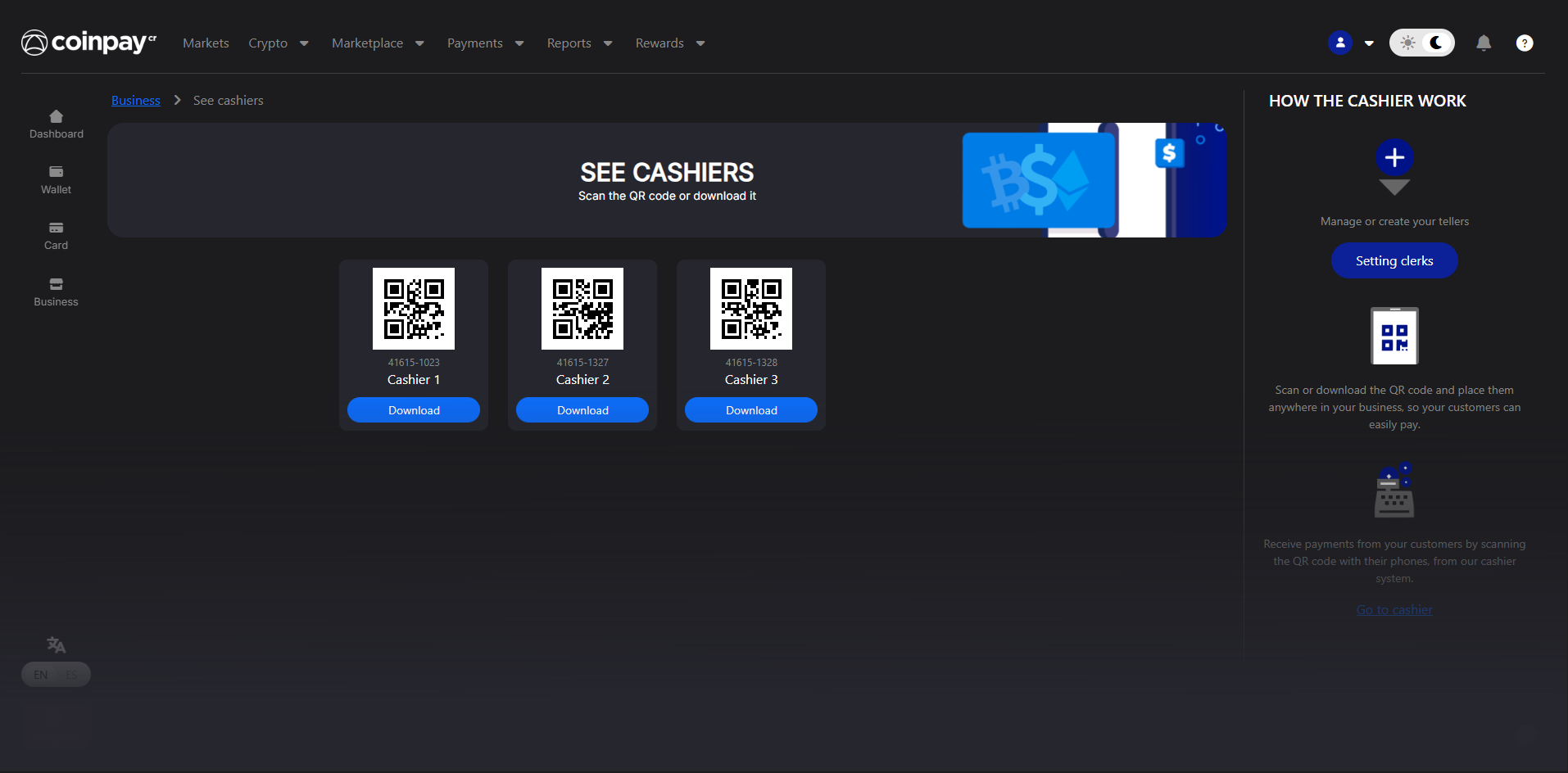
Access CoinPay.cr, go to the Merchants section and select the View Cashiers option.
Within the “View Cashiers” option you can manage the created cashiers, as well as scan their QR codes or download them to use at payment points.
From the “Configure Cashiers” control panel you can easily create, manage, or delete cashiers.